This guide assumes you've completed onboarding.
Log into your account at: https://dysfrontend.infostride.com/ After logging in, you will see a screen similar to the one shown below.
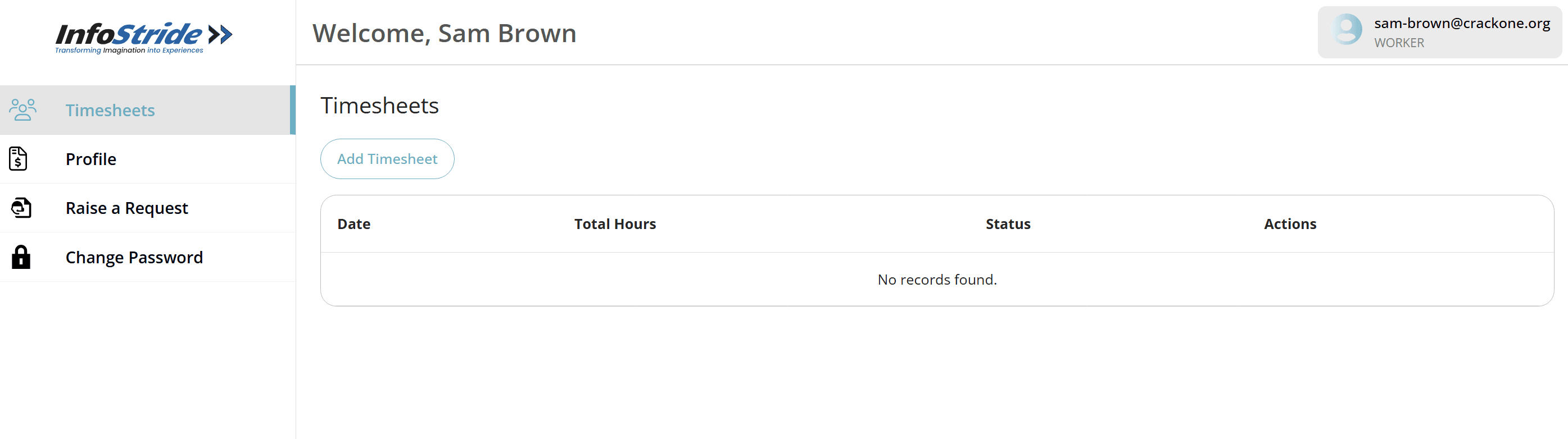
Click on "Raise a Request". You will see: - A list of your existing requests - The current status of each request If you haven't raised any requests yet, the list will be empty.

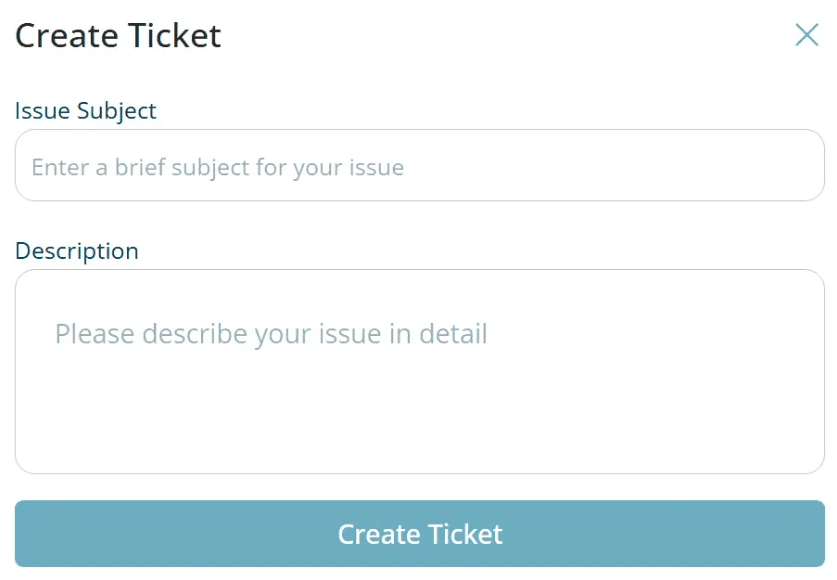
Click on "Raise an issue". A popup will open from the right side of the screen.
Enter the issue title and description. Tips: - Describe the issue clearly and thoroughly - You do NOT need to add personal information Once done, click "Create Ticket". After submission: - The ticket will be created successfully - A new entry will appear in the request list