This guide assumes you've completed onboarding.
Log into your account at: https://dysfrontend.infostride.com/ After logging in, you will see a screen similar to the one shown below.
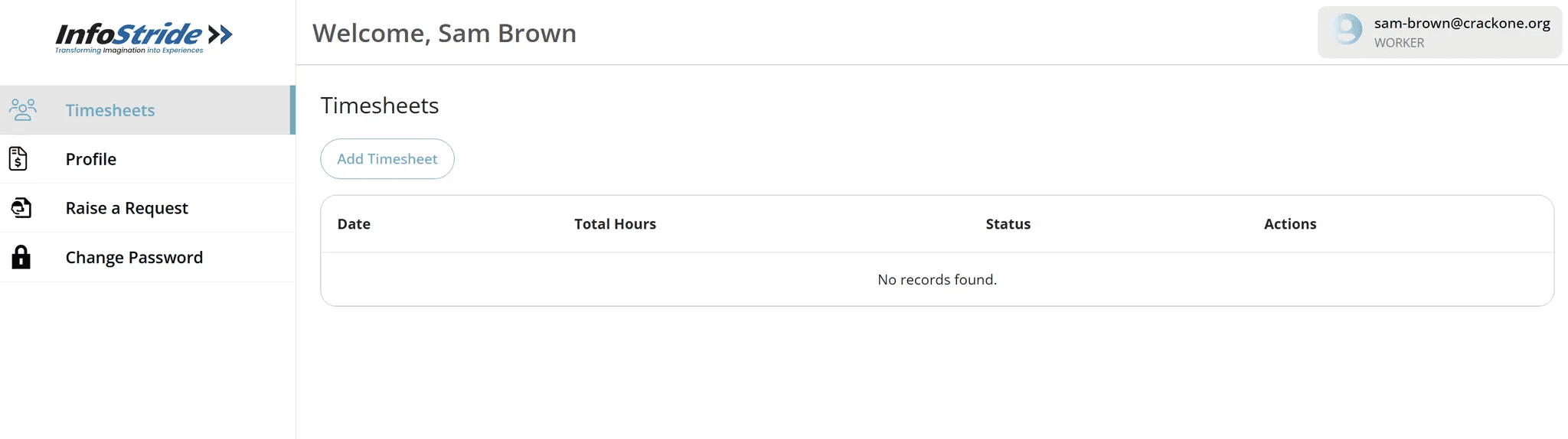
Click on "Change Password". A screen similar to the one shown below will appear.
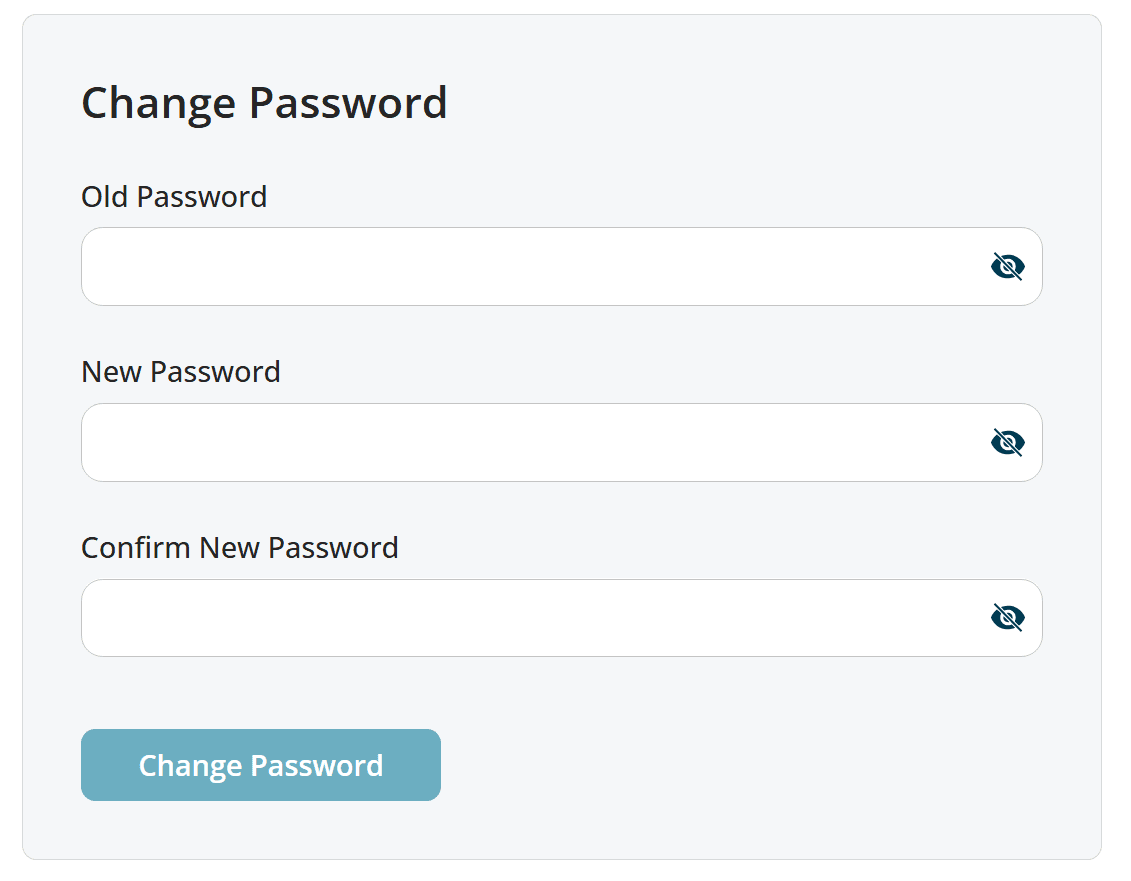
Enter the following details: - Your current (old) password - Your new password - Confirm your new password Once completed, click "Change Password". A success message will appear in the top-right corner within a few seconds.
